
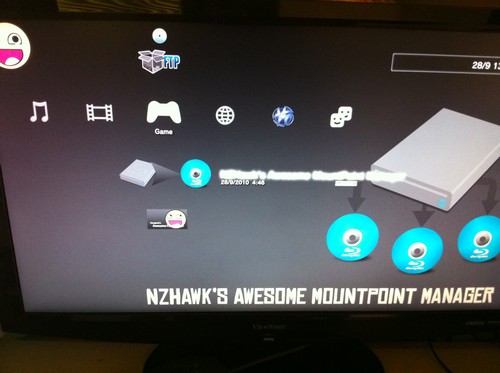
 NZHawk offers a new utility similar to Backup Manager that will let you launch your games from any location on your hard drives (no more need to always install your games in LAUN12345/GAMEZ).
Usage:
Spoiler
- Download and install the application
- Navigate to the location containing your PS3 backups (a location that's no longer necessarily LAUN12345/GAMEZ)
- Make sure you've selected the folder containing the game to launch (don't go into the game's own folder)
- Press the right button on the D-Pad
- Check once more that it's the folder containing the game, then press the right D-Pad button again.
- The application will take you back to the XMB and you should see the game where the Blu-Ray usually appears.
- Navigate to the location containing your PS3 backups (a location that's no longer necessarily LAUN12345/GAMEZ)
- Make sure you've selected the folder containing the game to launch (don't go into the game's own folder)
- Press the right button on the D-Pad
- Check once more that it's the folder containing the game, then press the right D-Pad button again.
- The application will take you back to the XMB and you should see the game where the Blu-Ray usually appears.
This content is for members only. Log in or register for free to see it.
Source Everything for PS5 · PS4 · PS3